Teachers and tutors
The idea that never quite lands the first time.
- a lesson to rewatch
- a chapter, summed up
- a study guide
- a flipped-classroom intro
SketchReel is now Thinkrock. Same account, same credits.
Turn a few words, a link or a document into a video to watch, slides to present or a guide to read. Researched, written and designed for you, every number quoted from a source.
Planning is free. Credits from $9, bought once.
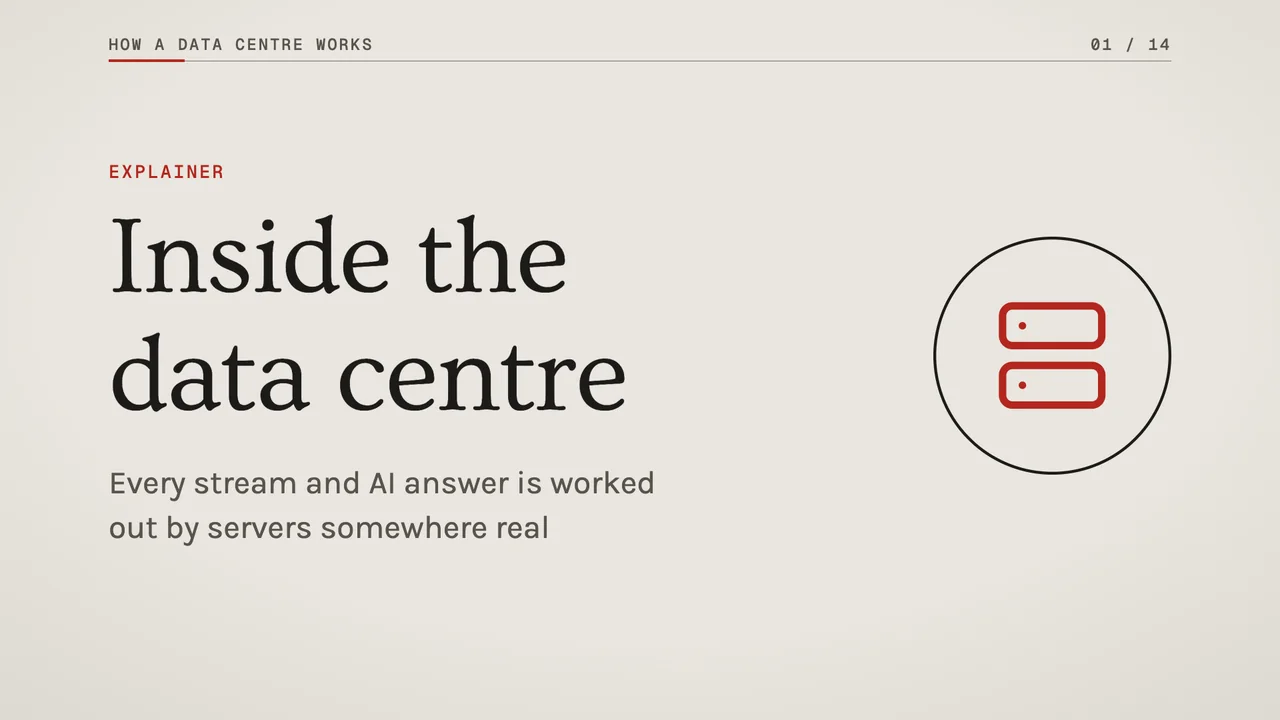
Voiced and captionedEditorialNewsprint
Speaker notesEvery time you stream a film or ask an AI something, servers somewhere do the work.
15 pages1,547 wordsA PDF on A4 or Letter
Team trainingOne briefing, three ways. The video to watch, the slides to present, the guide to keep.
“How a data centre works”, a How it works story for people who are not technical, made with Thinkrock from Wikipedia: Data center · Server (computing) · Power usage effectiveness.
Ask for anything A few words, a link or a document, as a video, slides or a guide. The rest stays on Auto until you pick.
Real films, not mock-ups. Play one with the sound on.
For the classroom, the team, the product and the feed.
The idea that never quite lands the first time.
The training nobody finished reading.
How it works, before the demo call.
An explainer for every feed.
Written for your topic, drawn in the style you choose, voiced in time, and yours to change after.
It reads what you give it, finds the facts and writes the narration in the story shape that fits. Every number on screen is quoted from its source; what can’t be quoted isn’t said.
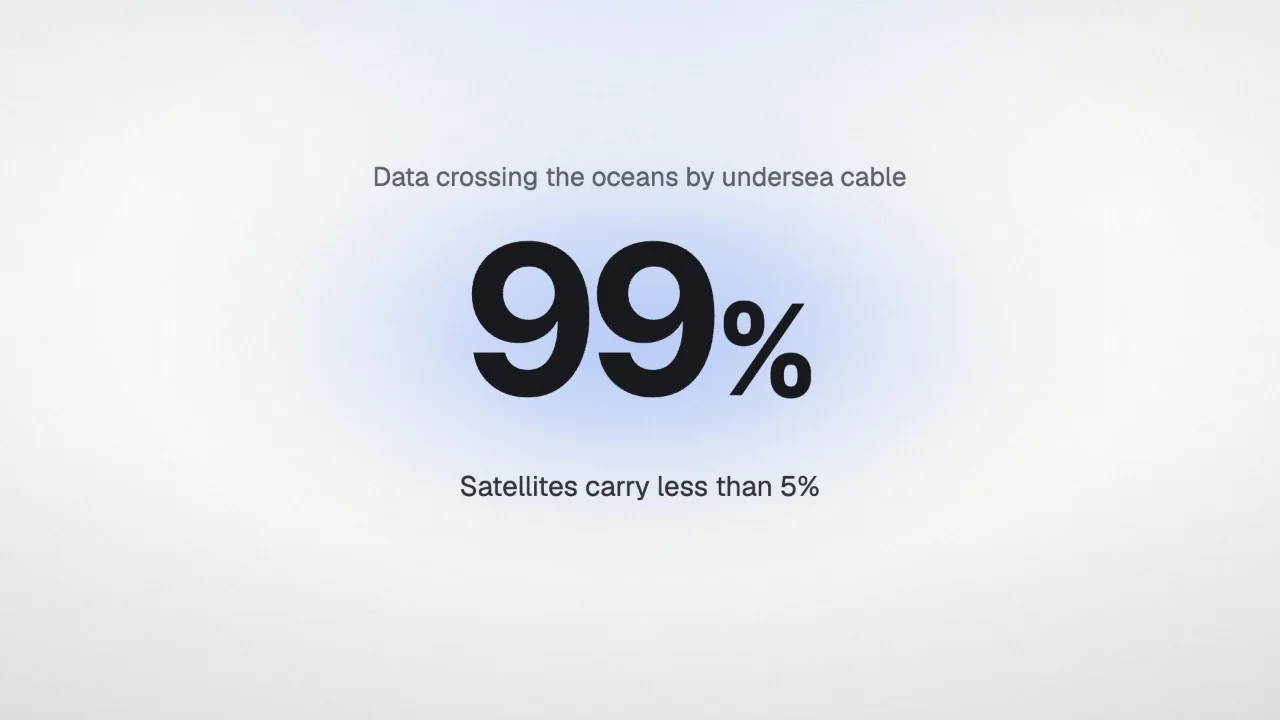
“…carrying 99% of the data traffic across the oceans.”
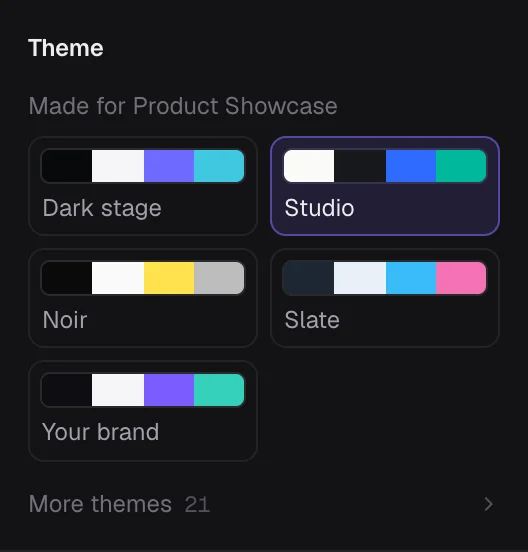
Five styles in twenty-five themes, or your own colours and fonts. Switch a finished film to another look and every scene follows.
Natural voices. Each scene lasts as long as its narration, everything on screen arrives on its word, and captions follow along.
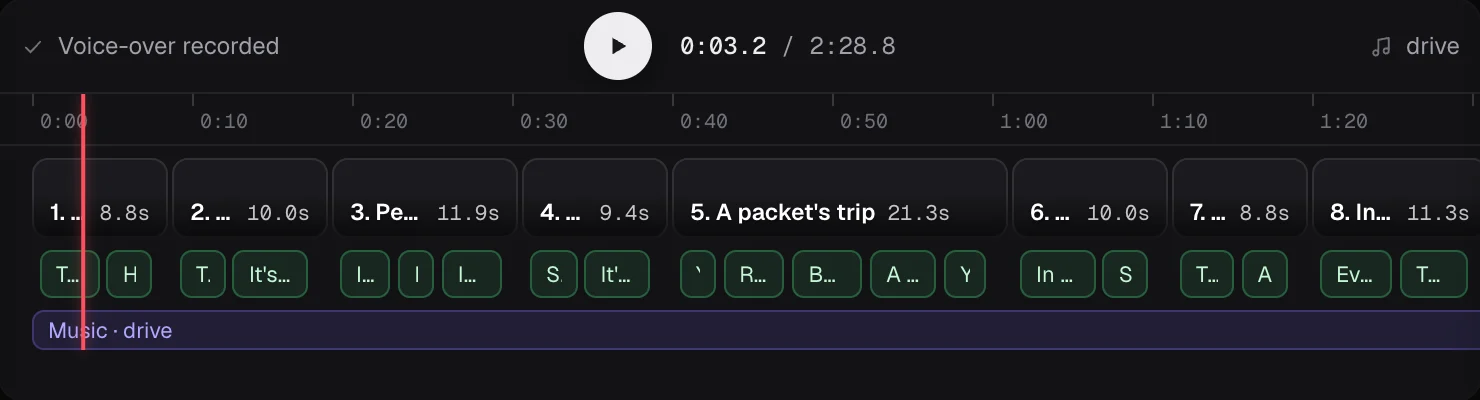
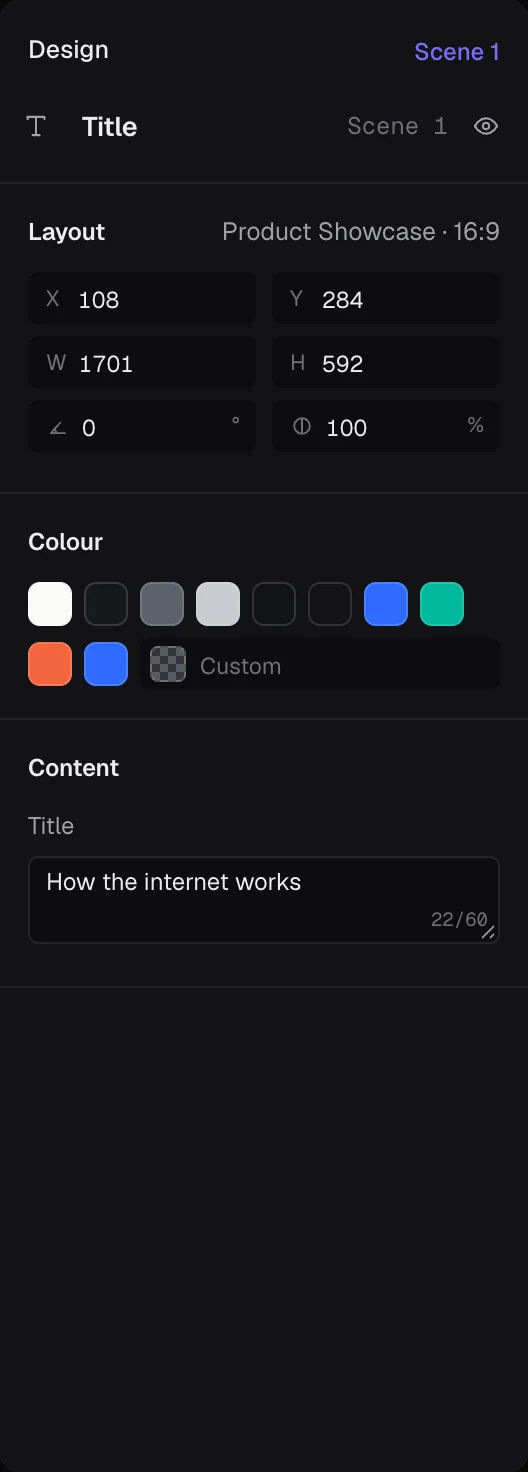
Rewrite a line and only that line is recorded again. Move, resize or recolour anything in design mode, or ask for a scene to change in a sentence.
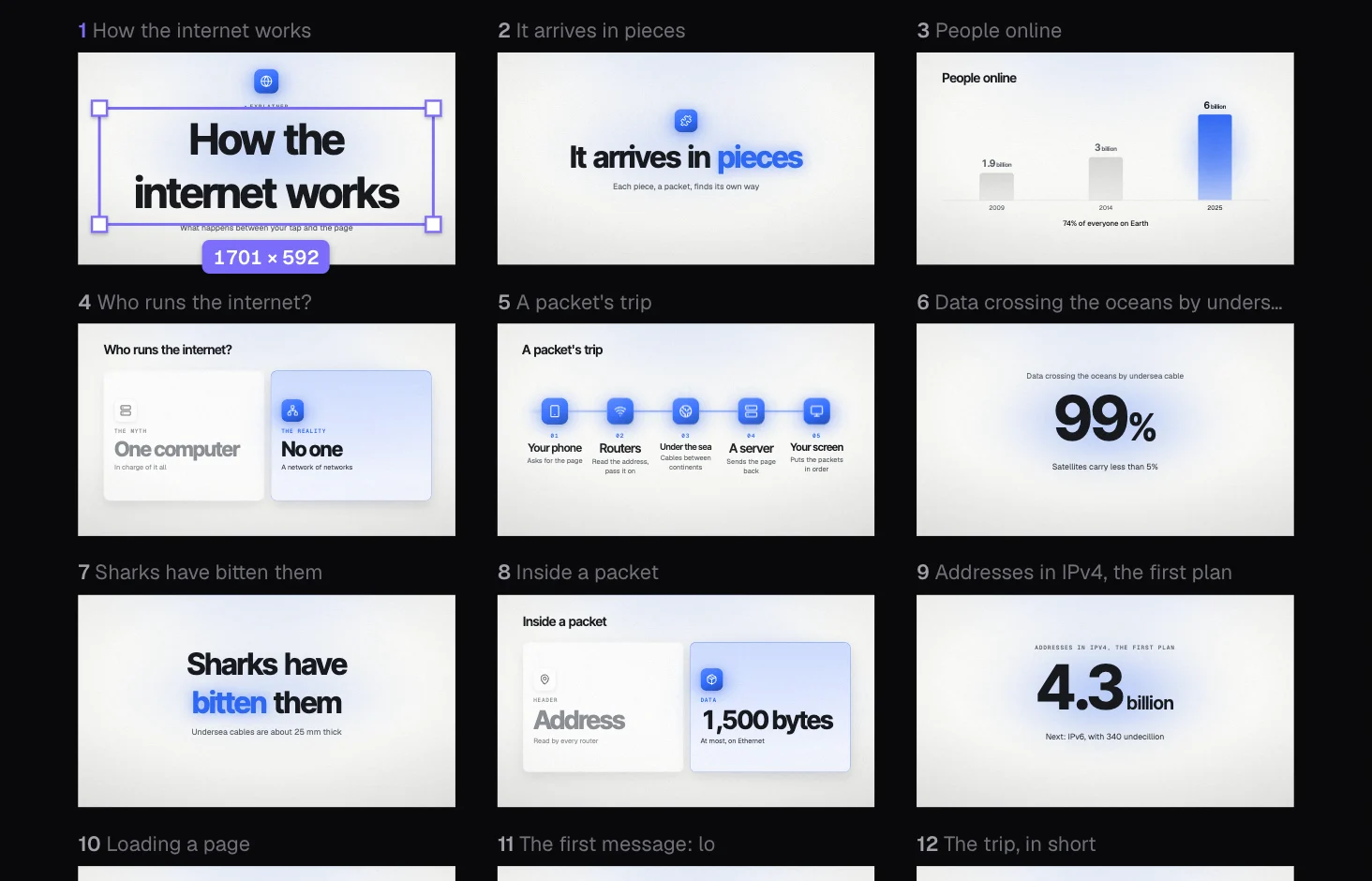
Landscape, vertical, square and portrait from the same film, each laid out for its own frame rather than cropped.
No subscription. The AI, the voices and every format are included, and planning is free.
To start with
Videos up to 2 minutes, slides and guides up to 16
Start explainingthat’s 20
two-minute films
Save 18%
Videos up to 5 minutes, slides and guides up to 40
Start explainingSave 45%
Videos up to 5 minutes, slides and guides up to 40
Start explainingA video uses a credit for each second of its length, a slide 5 and a guide’s page 8 (3 where its video or slides are made already); the video can be made from slides or a guide later, for the rest of its price. Credits never run out, and packs add up. Prices in US dollars; payments are handled by Dodo Payments, our merchant of record, which charges any sales tax or VAT due.
A video generator paints footage from a prompt, priced by the second. Every take comes out differently, words on screen can come out garbled, and fixing one shot usually means generating it again. It doesn’t research a topic or write a script. Thinkrock writes the explainer from your source, then designs every scene in the style you chose: the words are exact, the numbers are quoted and the voice lands on each word. You can change any part of it afterwards without starting over, and a minute of finished video costs from $0.83.
A chat assistant will write you a deck or a document. Thinkrock makes one explanation from your source and shows it three ways in one look: a video to watch, slides to present and a guide to read, with the same figures in all three. Every number in it is quoted from what you gave it, and each scene stays yours to change.
A few words, a link, a document (PDF, Word, Markdown or plain text), a PowerPoint deck, or anything you paste in: a chapter, an article, your notes.
From what you give it. It finds the facts in your link or document and keeps the sentence each one came from, and every number on screen is quoted from one. Given only a few words, it explains in general terms and states no figure it can’t source. The sources stay with what it makes; a guide lists them at the end when you ask it to.
All of it: the narration and the words on screen, the order and kind of scenes, the style, theme, colours and fonts, and the layout of any frame in design mode. Or ask for a scene to change in a sentence. A line you rewrite is recorded again, the first 20 free, and a guide’s words are edited beside its page.
Planning is free: describe what you want and see its plan (the story, length and style) before you buy anything. Credits come in packs from $9, bought once. They never run out, and a video uses a credit for each second of its length.
Yes. Choose Slides and it makes the same explainer as a deck, each slide with its speaker notes, for 5 credits a slide: export it as a PDF, a PowerPoint file or pictures, or present it from the app. Choose Guide and it writes it out to read, each page a figure with a few paragraphs beside it, for 8 credits a page, as a PDF on A4 or Letter. The video can be made from either later, for the rest of the video’s price, and a guide can be written for a video or slides you already made, for 3 credits a page.
English, Spanish, French, German, Portuguese, Italian, Dutch, Polish, Turkish, Indonesian, Russian, Hindi, Arabic, Japanese, Korean and Chinese. It writes in any of them; a video is voiced and captioned in its language, and can be copied into another.
You do. You keep what you give Thinkrock and own what it makes for you, and none of it is used to train AI models.